Security Architecture For Isolated Recovery.
Keep backup control, credentials and repository access outside the ordinary production blast radius.
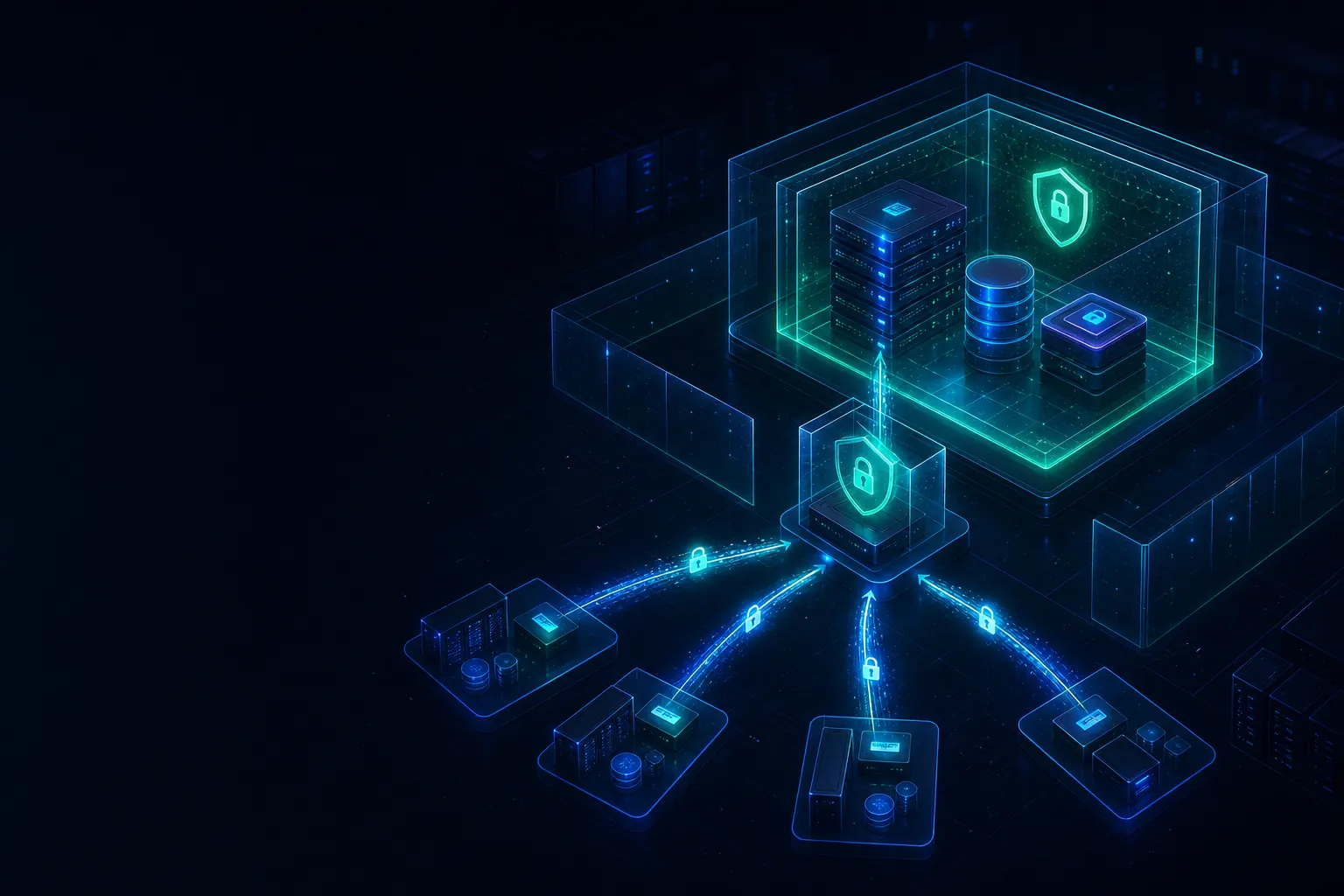
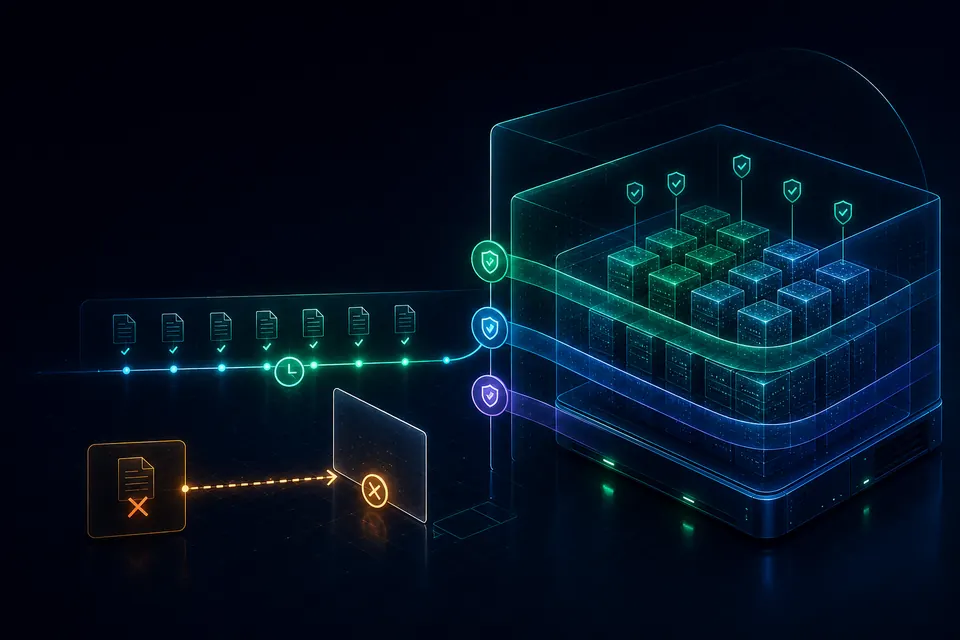
Sendense uses disaggregated security architecture to reduce attack paths: outbound-only site connectivity, isolated EBA repository zones, encrypted secrets, scoped operator permissions, immutable retention and recovery evidence.
443
Service Path
EBA
Isolated Repository
RBAC
Scoped Access
Proof
Recovery Evidence
Attack Model
Where Backup Security Breaks.
Backup platforms are usually compromised through reachability, credentials and deletion paths. Sendense reduces those paths by separating the repository from normal production access.
Reachable Repositories
Backup storage that production networks can directly reach becomes part of the compromise path.
Shared Credentials
Production identity compromise should not automatically grant backup administration or repository access.
Deletion Paths
Ransomware operators look for ways to erase, expire or overwrite recovery points before restore begins.
Separate The Planes Attackers Try To Collapse.
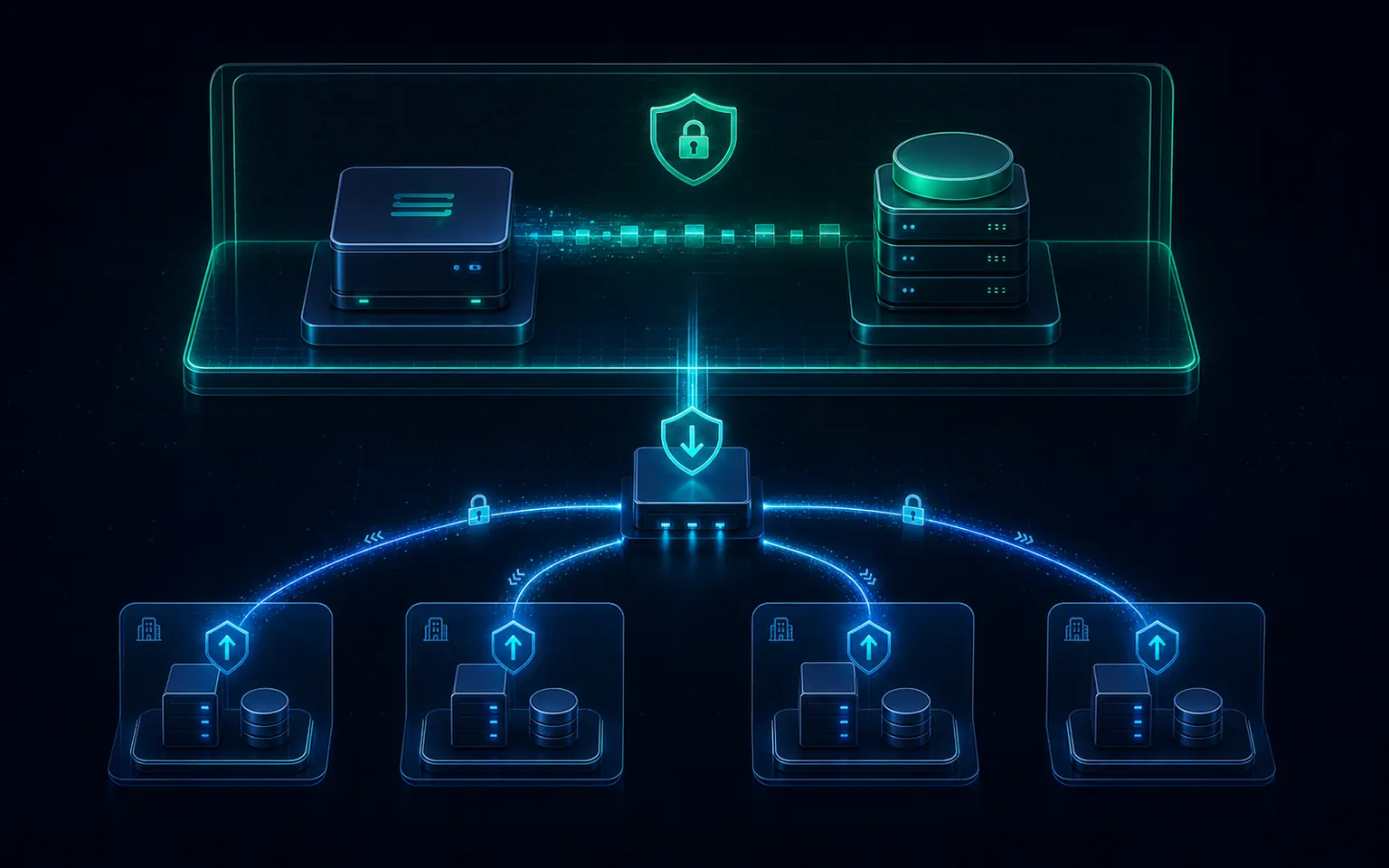
Sendense separates remote site appliances, hub control, repository storage and operator access. Remote SNAs initiate outbound connectivity, while EBA repositories remain behind the protected recovery path.
Outbound-Only Remote Sites
SNAs initiate controlled tunnels back to the hub, reducing inbound exposure at protected sites.
Isolated Repository Zone
EBA repositories sit behind the control path rather than being directly reachable from production networks.
Explicit Enrollment
New appliances are paired deliberately, with identity and approval checks before they participate.
Single External Service Path
Traffic is consolidated through the Sendense service path instead of scattered management ports.
Remote SNAs
Outbound Path
Secure Repository
Layered Controls
Security Controls That Attach To The Recovery Path.
The goal is not a single ransomware checkbox. It is a layered path where network reachability, credentials, repository data and retention controls reinforce each other.
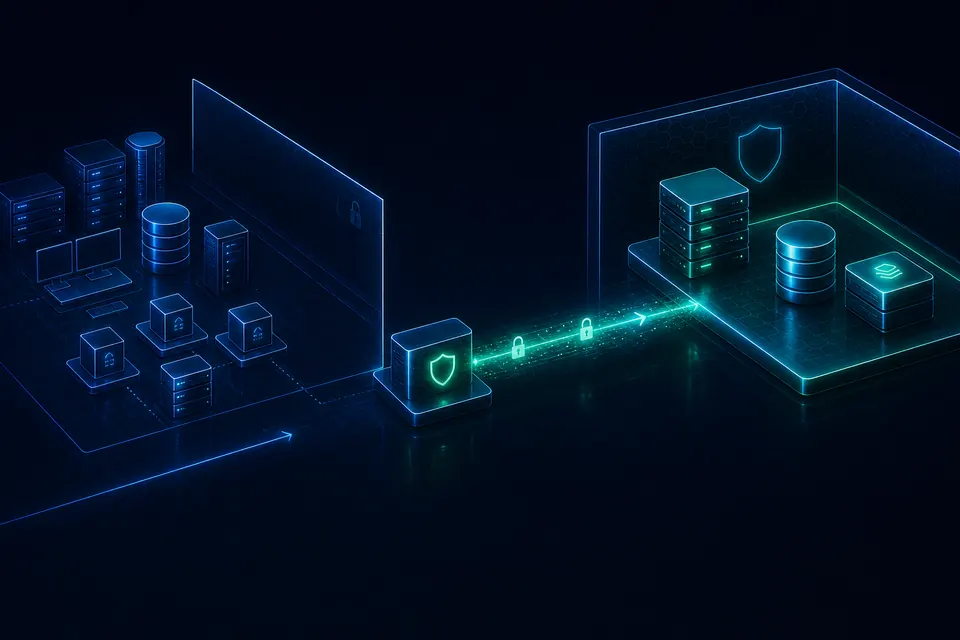
Network Isolation
Keep recovery infrastructure outside the ordinary production blast radius with outbound-only site paths and segmented repository access.
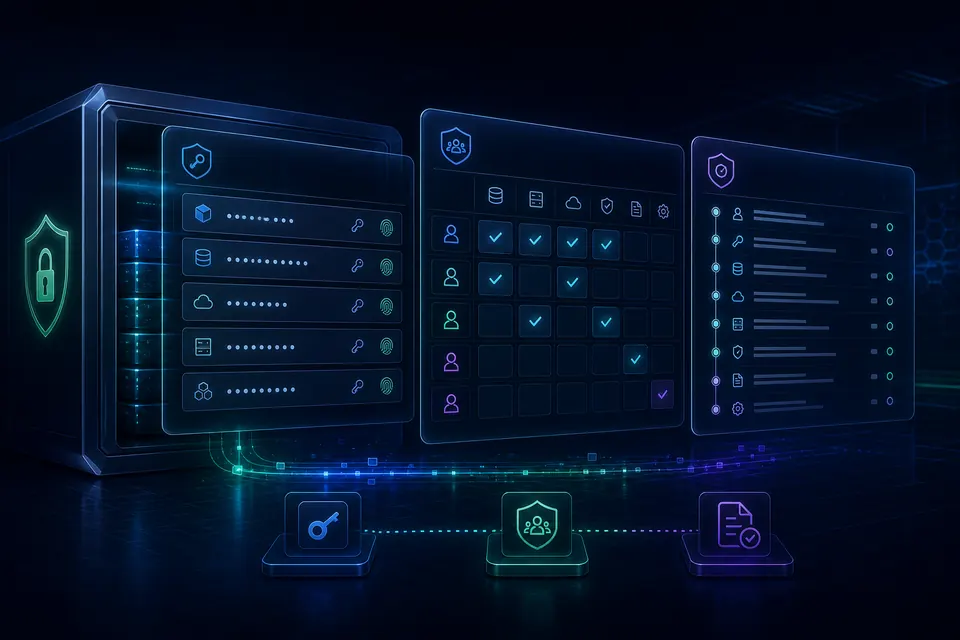
Identity And Access
Credential vaulting, scoped permissions, MFA support and RBAC keep administrative power narrow and observable.
Retention And Delete Control
Retention policy, legal hold and object-lock-compatible archive paths help keep protected recovery points available.
Repository Governance Without A Separate Security Island.
EBA is the Sendense repository layer for protected recovery points. Security posture stays attached to the repository path: retention, encryption, legal hold and controlled archive behavior remain visible together.
Repository Security Plane
Controls Move With The Recovery Point.
The repository is not just capacity. It is where recovery points keep their retention posture, readable evidence and protected storage decisions.
Govern
Retention Stays With The Recovery Point
Retention, legal hold and controlled release are attached to protected backups, not scattered across side processes.
Encrypt
Repository Data Is Protected At Rest
Backup data and secrets are encrypted at rest so storage exposure does not imply readable recovery content.
Preserve
External Archive Can Use Object Lock
Where supported and configured, S3-compatible archive targets can enforce storage-layer retention until expiry.
Identity And Evidence
Narrow Permissions. Visible Actions. Defensible Proof.
Security is easier to trust when credentials are vaulted, roles are scoped, and recovery evidence is attached to the operational record.
Credential Vault
Secrets And Permissions Stay Narrow.
Credentials are encrypted, scoped and auditable. Role boundaries keep recovery power visible without turning every operator into a platform administrator.
Role Boundaries
Super Admin
Platform, recovery and credential administration
Backup Admin
Protection jobs, restores and operational audit
Restore Operator
Recovery workflows and evidence review
Auditor
Read-only compliance and recovery evidence
Evidence Belongs With Recovery Operations.
Audit records are strongest when they connect operator action, retention posture and proof of recovery. Mount Evidence adds clean-point signals by checking recovery-point filesystems and surfacing ransomware indicators.
Integrity Proof
Recovery point validation completed
Mount Evidence
Filesystem inspected and ransomware indicators flagged
Clean Room
Application stack booted in isolated network
Legal Hold
Retention override attached to selected backups
Audit Export
Operator action record prepared for review
Security Control Map
One Architecture. Four Security Planes.
Network Plane
Data Plane
Identity Plane
Evidence Plane
Security FAQs
FAQs for Backup Security.
Practical answers for evaluating Sendense security architecture, repository isolation and recovery evidence.
01How Does Sendense Isolate Backup Repositories?
Sendense separates production workloads, remote site appliances, control paths and EBA repository storage. Remote SNAs initiate outbound connectivity to the hub, while repository access remains behind the Sendense control path instead of being directly exposed to production networks.
02Does Sendense Support Immutable Backup Storage?
Yes. Sendense EBA supports immutable retention, legal hold workflows and controlled deletion, with external object-lock-compatible archive support where the target storage is configured for that behavior.
03Can Ransomware Delete Sendense Backups?
Sendense is designed to reduce deletion paths by isolating repositories, separating credentials, enforcing retention controls and recording administrative actions. The exact protection depends on deployment design and storage immutability configuration.
04Does Sendense Require Inbound Firewall Ports At Remote Sites?
Remote Sendense Node Appliances are designed to initiate outbound connectivity to the hub, avoiding inbound firewall rules at remote protected sites.
05How Are Backup Credentials Protected?
Sendense keeps platform credentials in an encrypted vault with scoped access controls, audit logging and rotation support so backup secrets are not left in plaintext configuration files.
06How Does Sendense Help With Audit Evidence?
Sendense records operator actions, retention changes, legal holds and recovery evidence. AsureDense adds integrity, Mount Evidence and boot proof, while Clean Room extends that record with isolated recovery testing.
Design A Safer Recovery Architecture.
Review your backup attack surface, repository isolation, retention posture and recovery evidence with a Sendense architecture session.